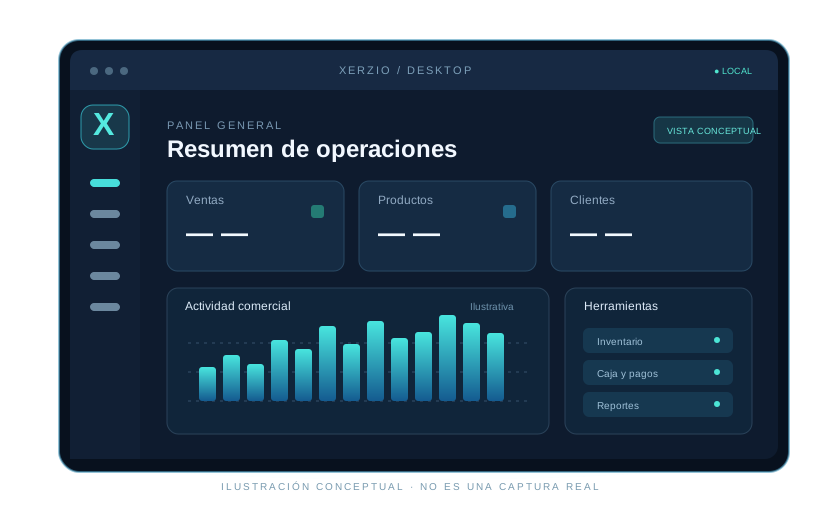
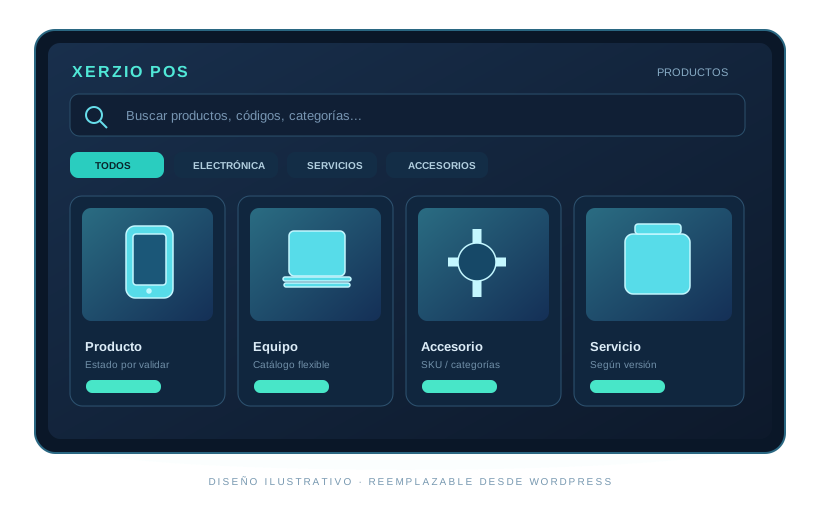
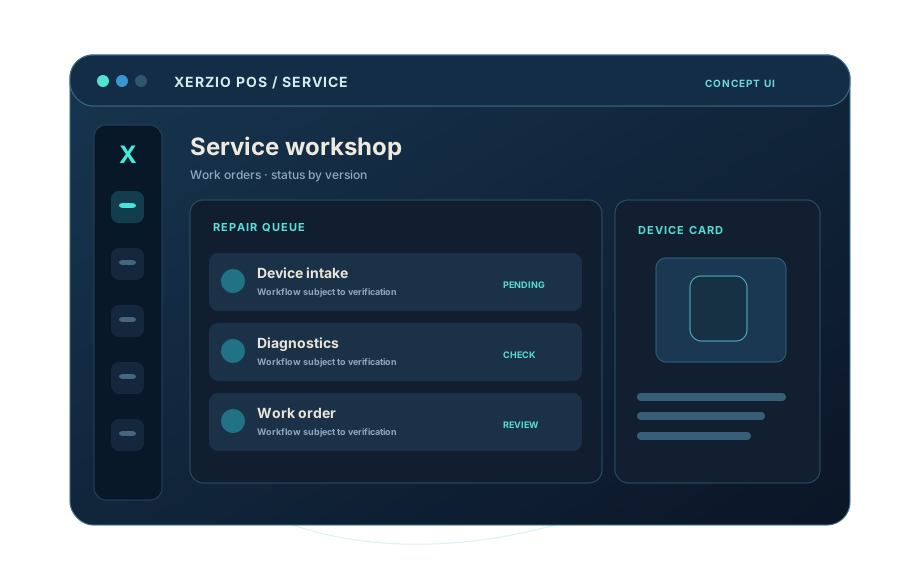
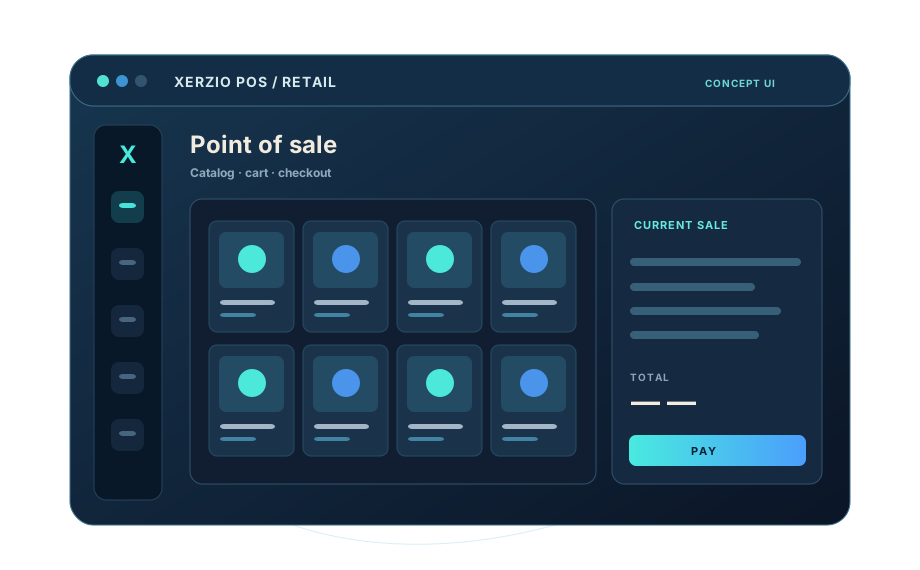
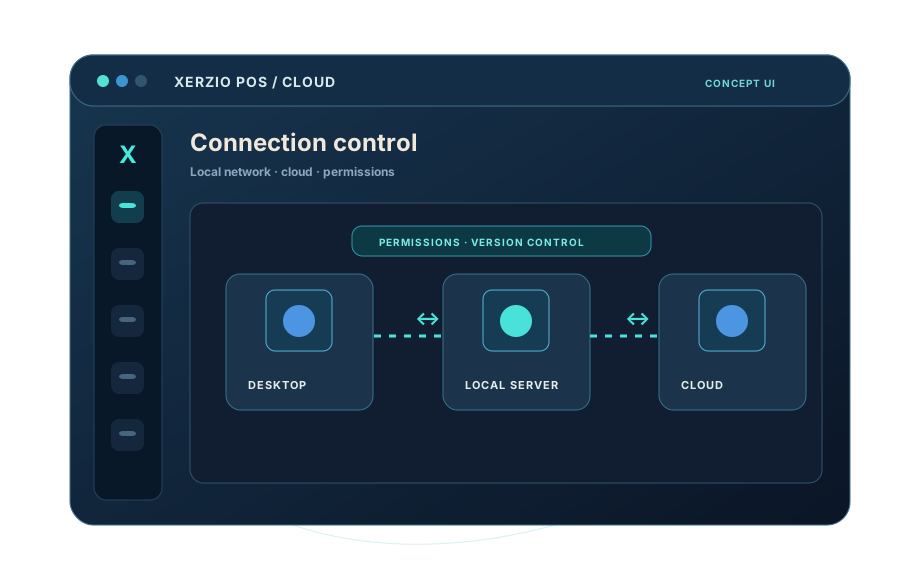
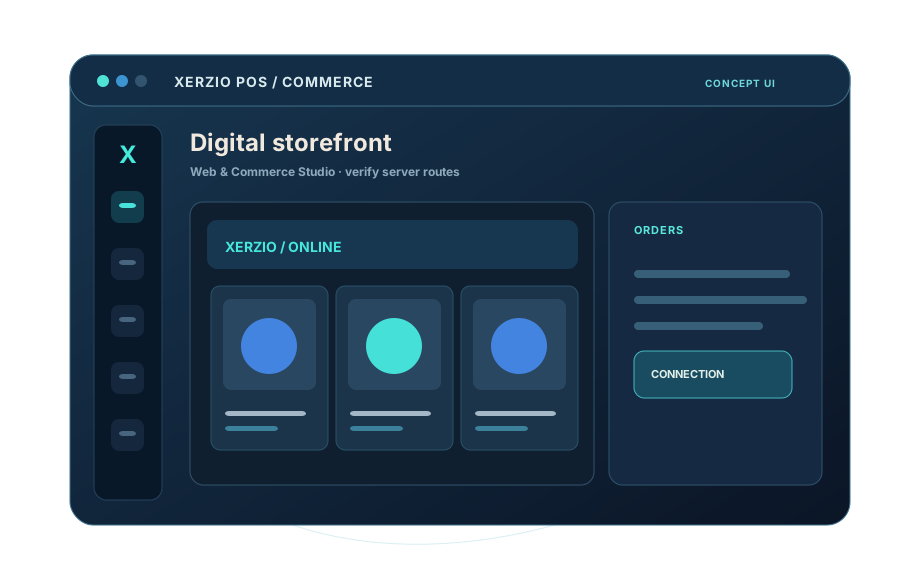
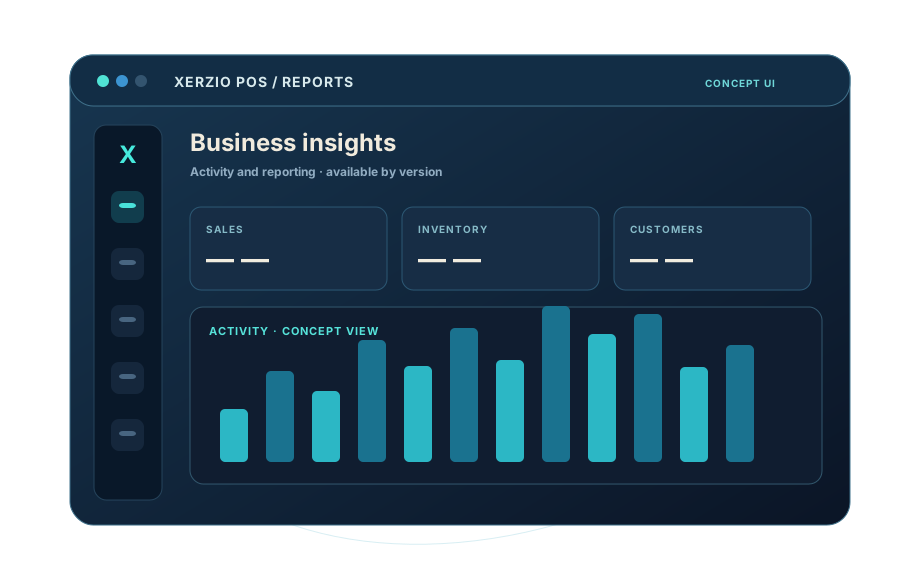

Discover every screen.
Learn every operation.
Download the starter guide and browse the screen catalog, expanded with each POS version.
- Catalog of POS screens and modules
- Guides and real screenshots as they are verified
- Version-controlled documentation
Your entire business. One connected ecosystem.
Manage sales operations and explore inventory, customer, register, Cloud and digital commerce tools, depending on the features enabled in your version.
Sales and checkout
Sales workflow, payment methods, opening, closing and operation records, subject to version.
To be confirmedInventory and products
Catalog, categories, codes, stock levels and warehouse movements.
To be confirmedCustomers
Customer records and commercial history according to implemented local features.
To be confirmedBusiness reports
Available sales, payments, closings, discounts and analytics; margins only with validated formulas.
To be confirmedElectronics and serial tracking
IMEI and serial numbers, warranties, unit selection and returns, if enabled.
To be confirmedDiscounts and refunds
Rules, limits, authorizations and accepted methods according to tested workflows.
To be confirmedPrinting and peripherals
Receipts, labels, scanners and printers compatible with the hardware and drivers.
To be confirmedImage editor
Image preparation, cropping and restoration according to build capabilities and formats.
To be confirmedPromotions and advertising
Content, campaigns, discounts and scheduled advertising tools where available.
To be confirmedScreens and displays
Checkout, customer and promotional displays, subject to setup and compatibility.
To be confirmedOne ecosystem for different operations.
Retail, electronics, repairs, restaurants, services, wholesale and more. Each module shows its actual status, clearly separating plans from deployed features.
Retail / Market
Sales, catalog, stock and in-store checkout.
Check availability ↗Electronics
Devices, accessories and specialized inventory needs.
Check availability ↗Repair
Device intake and repair work orders, according to version.
Check availability ↗Restaurant / Kitchen
Restaurant operations; kitchen and KDS not yet verified.
Check availability ↗Reservations / Services
Services and reservations; recurring availability to be confirmed.
Check availability ↗Online / Hybrid
Integration between local retail and compatible online channels.
Check availability ↗Transfers / Top-up
Top-ups and transfers subject to contracts and integration.
Check availability ↗Bar
Bar operations, beverages and related services.
Check availability ↗Wholesale
Wholesale business operations.
Check availability ↗Casino / Betting
Specialized mode; betting and gaming payouts not confirmed.
Check availability ↗Casino + Bar
Combined profile for retail and hospitality.
Check availability ↗Casino + Resort
Expanded vision; hotel and PMS not verified.
Check availability ↗Enterprise
Customization and assessment for larger organizations.
Check availability ↗Know your products. Take control of your stock.
Catalog, categories, codes and prices form the foundation. Stock movements, serial/IMEI tracking, warranties and returns are only listed as available after version testing.
Explore inventory ↗Every transaction leaves useful information.
Sales and cart, supported payments, cash register opening and closing, discounts, refunds and printing require permission, calculation and device verification. Recording payments does not mean processing them through a bank payment gateway.
These categories are documentation targets; they do not confirm functioning reports in every version.
Keep customer relationships organized.
Customer profiles, activity and Cloud access are limited to tested workflows. A local customer does not automatically become an online portal user.
Customer management ↗More ways to showcase your products.
Image editing, promotions, ads and video content. Editing, scheduling, playback and synchronization are separate capabilities that require platform-specific verification.
View tools ↗A checkout-first experience.
The main screen, secondary customer display and external ads depend on the system, hardware and version. Universal device support is not assumed.
Check compatibility ↗Local where supported. Connected where enabled.
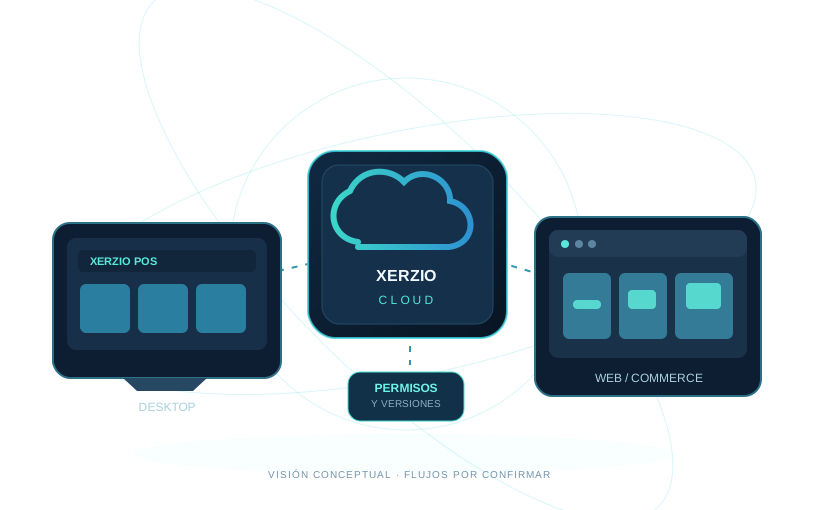
Desktop, local server, XERZIO Cloud and online commerce form a workflow that must be verified by data type, permissions, terminal, license and connectivity. Synchronizing data is not the same as having a recoverable backup.
- Users, permissions and store separation depending on version.
- Selective data synchronization.
- Documented backup and restore scope.
- VIEW, CONTROL and ADMIN are separate permission levels.
Your operations and your online presence.
XERZIO Web Builder focuses on pages and web resources; Commerce Studio on catalogs, products, customers and orders. Every Cloud/Desktop interaction requires verified contracts, endpoints and permissions.
Explore digital commerce ↗Useful assistance. Actions under control.
The XERZIO IA vision includes POS questions and business assistance. Actions affecting data and operations require permissions, confirmations and verification. AI responses are not guaranteed to be infallible.
Explore XERZIO IA ↗A system open to new possibilities.
Explore published extensions, categories, compatibility and availability. A listed plugin is not installed automatically and does not gain access to all POS data.
Compatible extensions
Versions and requirements defined for each integration.
Specific workflows
Needs assessment, permissions, testing and delivery.
Editable marketplace
Listings managed in WordPress, with WooCommerce purchases where applicable.
Compatibility proven through testing.
Windows Desktop is the main development platform. Android and ChromeOS need build, feature, driver and device assessment; ChromeOS is not advertised as a native edition without evidence.
Windows Desktop
Commercial build and peripherals: to be confirmed.
Android
Compatibility and limitations: to be confirmed.
ChromeOS
Android compatibility or native installation: pending validation.
A modular platform, without inflated claims.
Our proposed differentiators include unified Desktop, Cloud and Web tools, business modes, plugins and commercial operations. We make no absolute superiority claims without evidence.
Explore differentiators ↗Trust starts with clear boundaries.
Permissions, credentials, synchronization, backups and updates must be described with evidence, not generic encryption or certification claims.
Simple plans, clearly explained.
Compare Free, Basic, Professional, Business and Lifetime. Limits are a proposed commercial model, pending licensing validation.
Proposed policy: Professional first, Basic next, then Free at no cost. Automatic changes require a tested license-server integration.
Free starting point to explore local operations.
- Free access at the end of the trial period (proposed policy)
- One store and one register (suggested limit)
- 50 products and 50 customers (suggested limits)
- Essential local operations; pending in-app validation
For getting started with organized operations.
- Everything in Free, subject to license
- Up to 500 products and customers (proposal)
- Two users and two terminals (proposal)
- Inventory and basic reports, pending validation
For businesses that need more tools.
- Everything in Basic, subject to license
- Up to 3 stores and 5 terminals (proposal)
- Up to 5,000 products and customers (proposal)
- Repair orders and advanced reports, pending validation
For operations with more demanding needs.
- Everything in Professional, subject to license
- Expanded quotas subject to agreement (proposal)
- Multi-store, permissions and integrations, pending validation
- Custom plugins and support as agreed
One-time payment option, subject to license terms.
- One-time payment without recurring base fee
- Features and quotas per purchased tier
- Updates and support subject to terms
- Does not mean unlimited Business forever
The quantities and differences in this table are an editable commercial proposal, not active license entitlements. Do not market them as confirmed until enforcement in Desktop / Cloud is implemented and tested.
Detailed feature and limit comparisonEditable proposal; features are not enabled automatically
| Features and capacities | Free | Basic | Professional | Business | Lifetime |
|---|---|---|---|---|---|
| Operating capacity | |||||
| Users / staff | 1 | 2 | 5 | Per agreement | Per selected license tier |
| Stores or branches | 1 | 1 | Up to 3 | Custom | Per selected license tier |
| POS terminals | 1 | 2 | Up to 5 | Custom | Per selected license tier |
| Catalog products | 50 | 500 | 5.000 | Custom | Per selected license tier |
| Customer records | 50 | 500 | 5.000 | Custom | Per selected license tier |
| Sales and inventory | |||||
| Sales and cart | Local core — pending validation | Local core — pending validation | Local core — pending validation | Local core — pending validation | Per selected license tier |
| Categories and search | Basic — pending validation | Basic — pending validation | Extended — pending validation | Extended — pending validation | Per selected license tier |
| Inventory control | Basic local — pending validation | Local management — pending validation | Advanced workflows — pending validation | Multi-store — pending validation | Per selected license tier |
| Cash drawer opening and closing | Pending validation | Pending validation | Pending validation | Pending validation | Per selected license tier |
| Receipts and peripherals | Hardware-dependent | Hardware-dependent | Hardware-dependent | Hardware-dependent | Hardware-dependent |
| Analytics and specialization | |||||
| Reports and analytics | Overview — pending validation | Operational — pending validation | Ampliados, por validar | Custom — pending validation | Per selected license tier |
| Repair work orders | Not proposed | To be defined | Pending validation | Pending validation | Per selected license tier |
| Inter-store transfers | Not proposed | Not proposed | Pending validation | Pending validation | Per selected license tier |
| Connectivity and extensions | |||||
| XERZIO Cloud sync | Not proposed | To be defined | Pending validation | Pending validation | Per selected license tier |
| Online shop / Commerce Studio | Not proposed | To be defined | Pending validation | Pending validation | Per selected license tier |
| Plugins and marketplace | Not proposed | To be defined | Pending validation | Custom — pending validation | Per selected license tier |
| XERZIO IA | Not proposed | Help — pending validation | Assistance — pending validation | Per agreement and permissions | Per selected license tier |
| Service | |||||
| Support and customization | Documentation | To be defined | To be defined | Per agreement | Subject to terms |
| Billing method | Free | Proposed monthly | Proposed monthly | Proposed monthly | One-time payment |
* Suggested quotas and features are not confirmed as enforceable by the licensing system. Lifetime rights depend on the selected agreement. Validate license entitlements across Windows, Cloud and Android before selling.
Important: WooCommerce purchases do not automatically activate licenses. Recurring payments require compatible subscriptions and gateways. Lifetime does not automatically include all features, locations or future updates.
Transparent information.
Answers that depend on environment, licensing or POS features must be verified with the technical team.
Ask another question ↗What is XERZIO POS?
It is a modular POS and business tools ecosystem. Specific capabilities depend on the published version.
Which businesses can use it?
It is designed for shops, electronics, repairs, bars, services, online commerce, wholesale and businesses. Each mode must be verified independently.
Does it work offline?
Offline operation depends on the workflow. Cloud services require connectivity, and not all local functions are guaranteed to work offline.
What syncs with Cloud?
Only documented and tested data flows can be confirmed. Sync and backup are different operations.
Does it support multiple stores?
It depends on services, permissions, licenses and data isolation enabled in the installation.
Which platforms are supported?
Windows, Android and ChromeOS require version-specific verification. ChromeOS is not advertised as a native app without validation.
How do backups work?
The data covered, storage location and restoration procedure must be documented.
Can I connect printers or scanners?
Each peripheral requires verification of OS, drivers, setup and supported features.
Can I request custom plugins?
Yes, through assessment, proposal, security review, development, testing and agreed delivery.
What can XERZIO IA do?
This must be verified in the available build. A suggestion is not the same as a completed action.
Can I sell online?
XERZIO Commerce Studio requires validation of configuration, connected services, catalog and order workflows.
What does each plan include?
Published prices and features are configured in the admin panel. Effective licensing requires integration with the actual activation system.
Do plans renew automatically?
Only if configured as subscriptions with a compatible WooCommerce extension and payment gateway.
What does a Lifetime license mean?
It means a one-time payment with the rights defined by contract. It does not automatically include unlimited support or updates.
We build tools to make work better.
XERZIO POS is a software project for stores and companies bringing together business operations and digital services. Our direction is to develop modular features without compromising data integrity.
Learn about the project ↗DESKTOP + CLOUD + COMMERCE
A connected vision that distinguishes available features from planned ones.
Let's talk about your business.
Explore license options, check feature availability and share your business requirements.
What do you need to implement?
We help you evaluate operations, devices and modules before committing.
Request a demo ↗